exaSound posted on July 15, 2019 21:57
We would like to show you the most simple way to use the Tidal and Qobuz streaming services with the exaSound line of music players and servers.
First let's figure out how to connect an exaSound streaming device to your audio system.
The exaSound Sigma Streamer is a cost-effective bridge device. It connects to your exaSound DAC via USB and to the home network router via Ethernet cable or wireless Wi-Fi. The router provides connection to the Internet. Your mobile device, a tablet or smartphone also connects to the router via Wi-Fi. You will be installing one of the Mconnect Player apps on your mobile device to browse for music tracks and to control playback. The DAC connects to your amplifier or preamplifier via unbalanced RCA or balanced XLR cables.
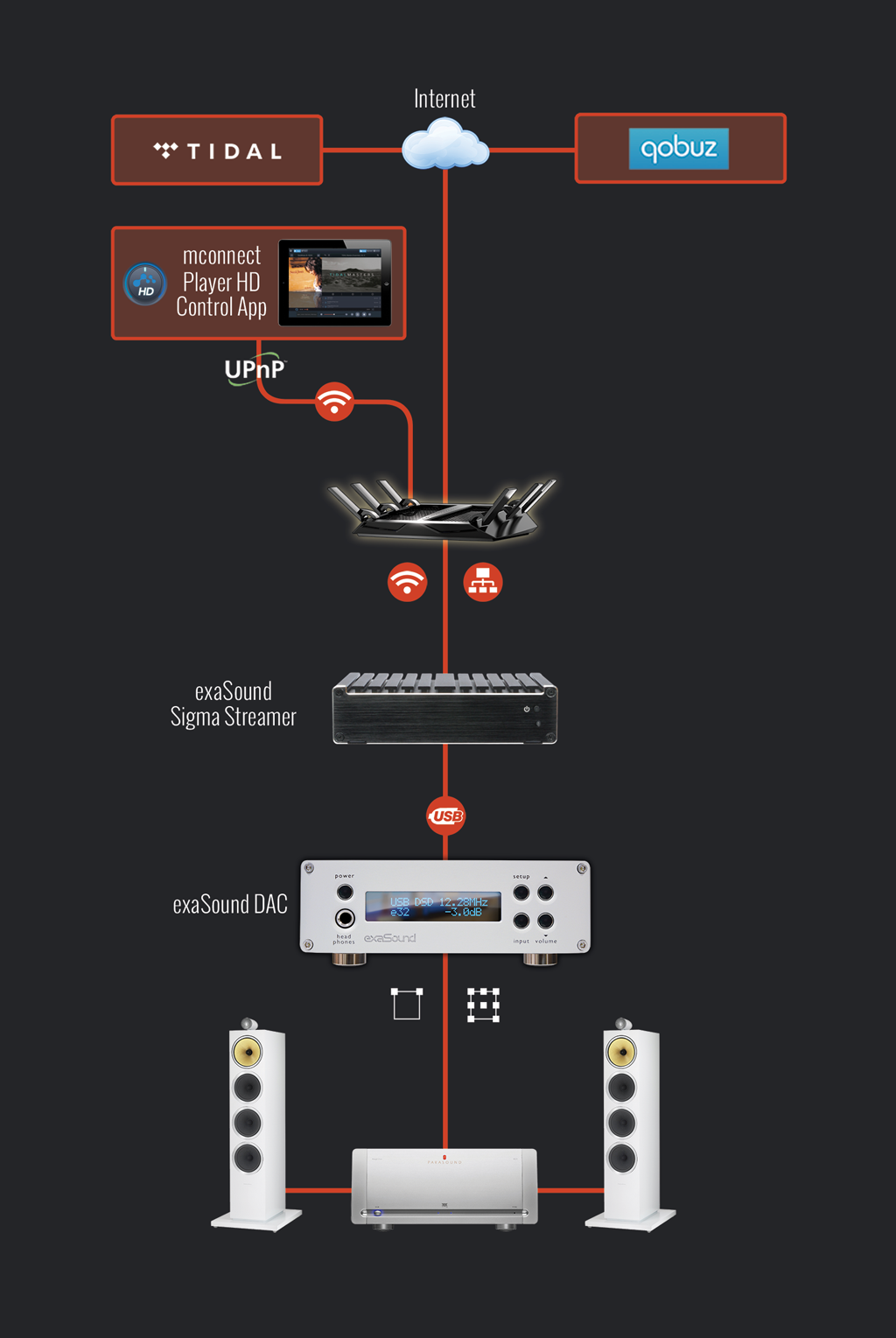
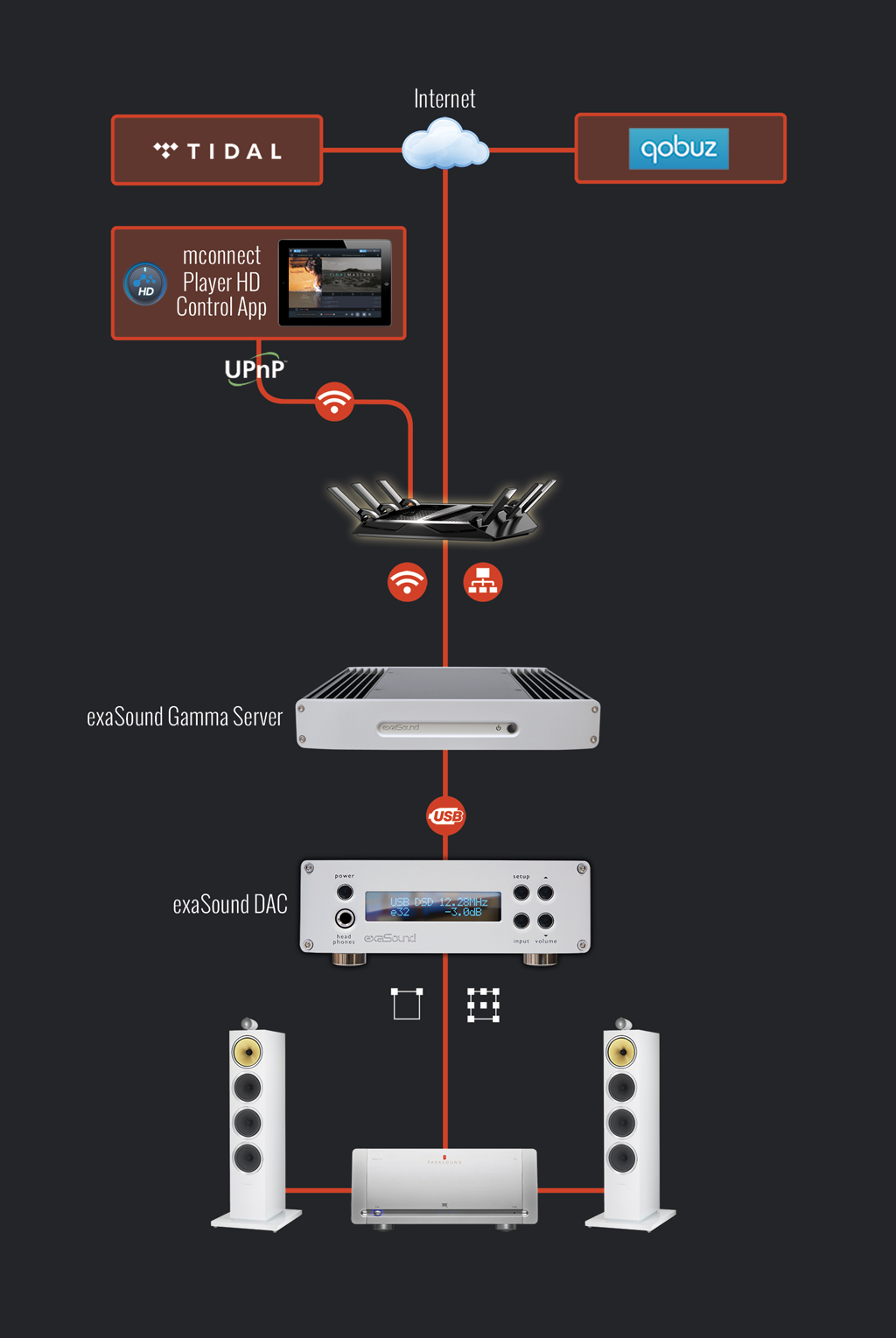
The same connections will work with the exaSound Gamma Server or with the exaSound line of PlayPoint devices. Using a music server offers more advanced features for playing local files from USB hard drives and NAS (Network Attached Storage) devices. These topics are covered by other tutorials on the exaSound blog.
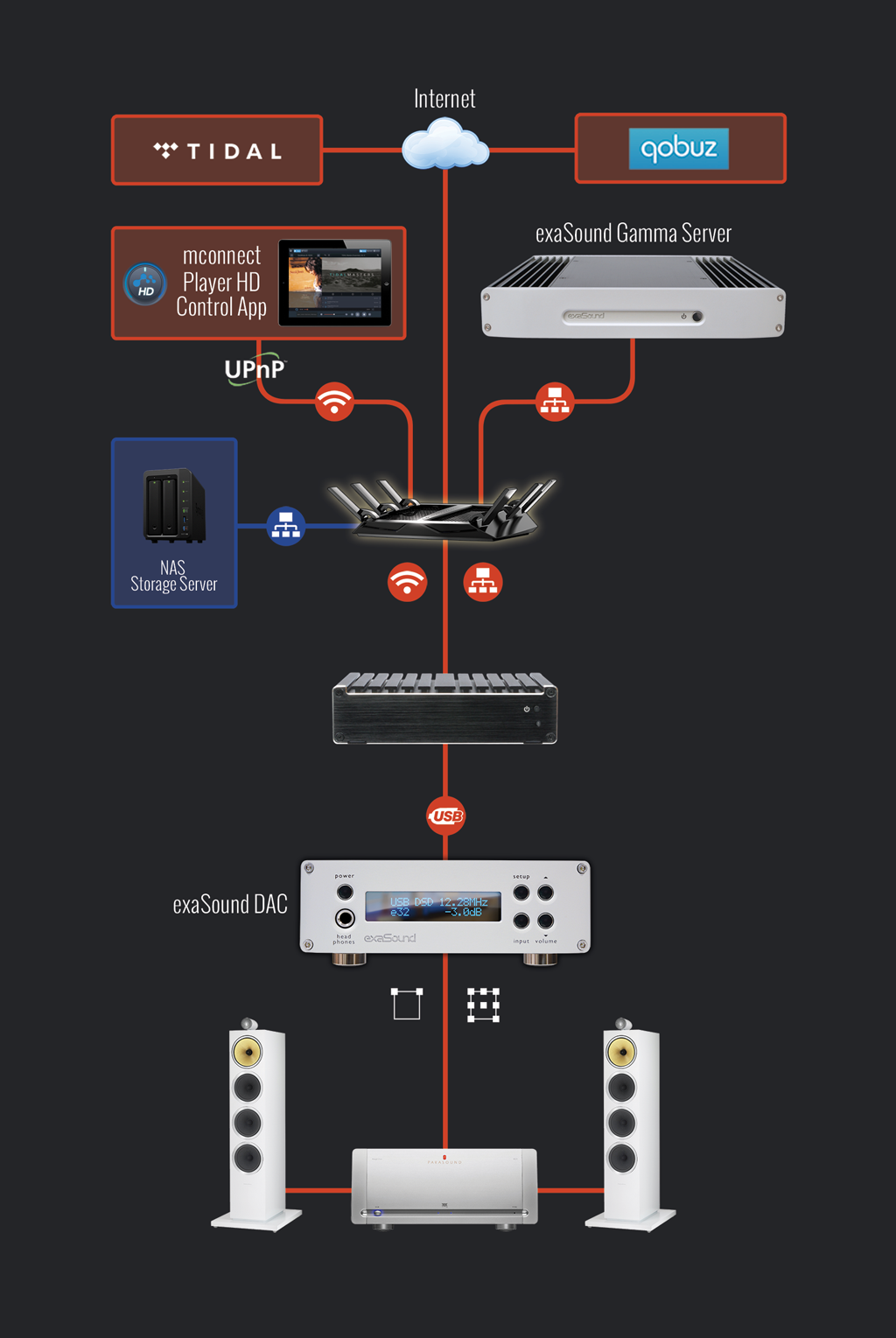
Advanced users can connect several Gamma Servers and Sigma Streamers to deliver music content to multiple rooms, or audio zones. Music files can be stored on NAS or on USB drives attached to the exaSound servers.
Next you will need to install one of the Mconnect Player apps from Conversdigital on your tablet or phone.
Mconnect Player HD for iPad
Mconnect Player for iPhone
Mconnect Player HD for Android Tablets
Mconnect Player for for Android Phones
Mconnect apps are network-ready multimedia players that allow you to freely play files and music streams on UPnP compatible network players. Mconnect Players offer many features, including:
- Music playback from a server or from your mobile device to exaSound devices via UPnP
- Playback of TIDAL and Qobuz music streams
- Playback of TIDAL Master(MQA) tracks to MQA-enabled DACs like the exaSound e32 Mark II DAC
- Gapless Playback, DSD256 and FLAC PCM384 kHz music playback
For the rest of this tutorial we will illustrate the use of Mconnect Player HD with the exaSound Sigma Streamer. Sigma Streamer must be attached to the audio system, to the home network and to the Internet. The iPad must be connected to the same home network.
Start Mconnect Player HD.
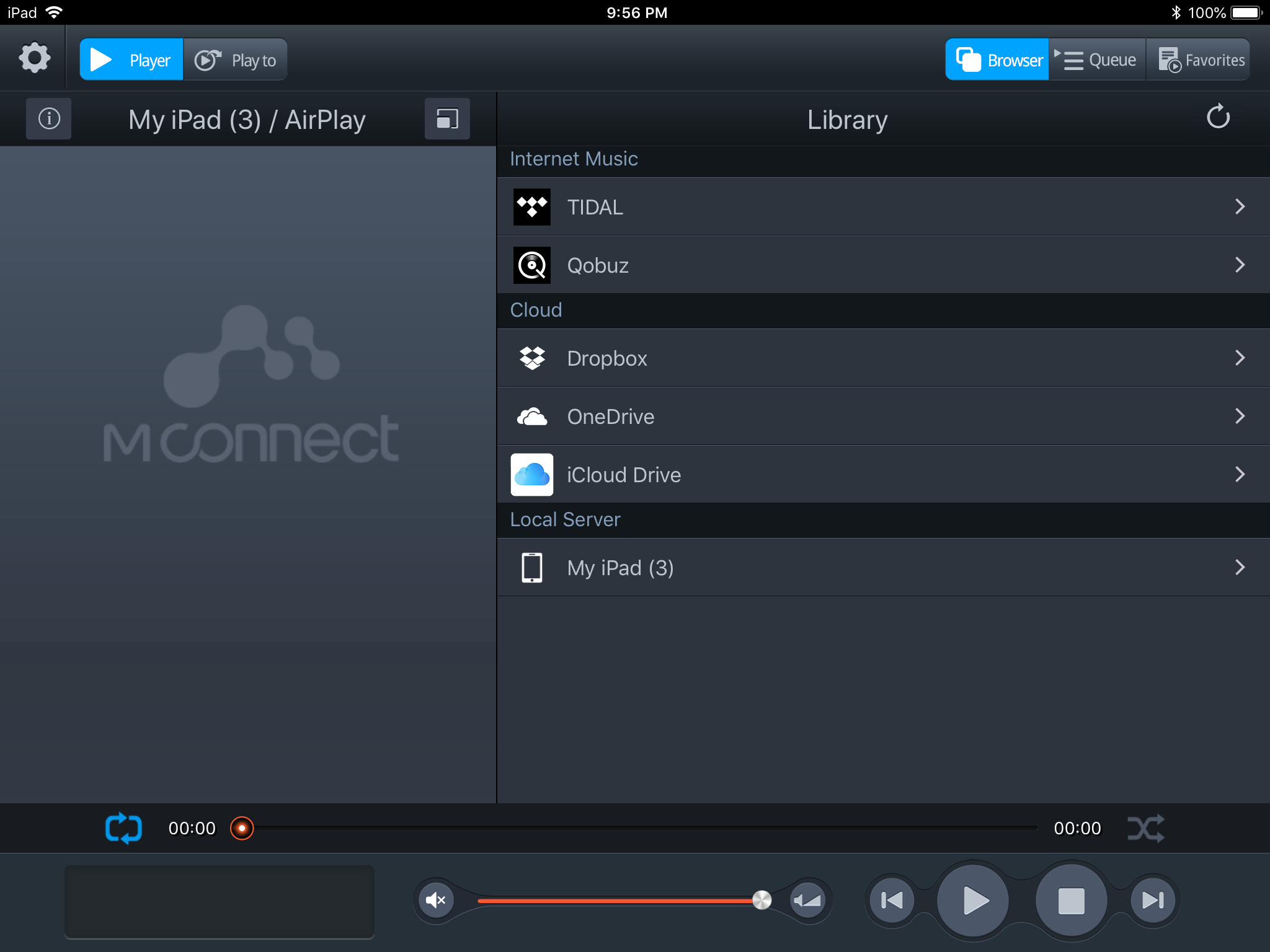
Tap on the
Play to button. In a moment the exaSound
Sigma will appear in the list of available UPnP players. Tap on it to select it.

Tap on the
Player button to get back to the
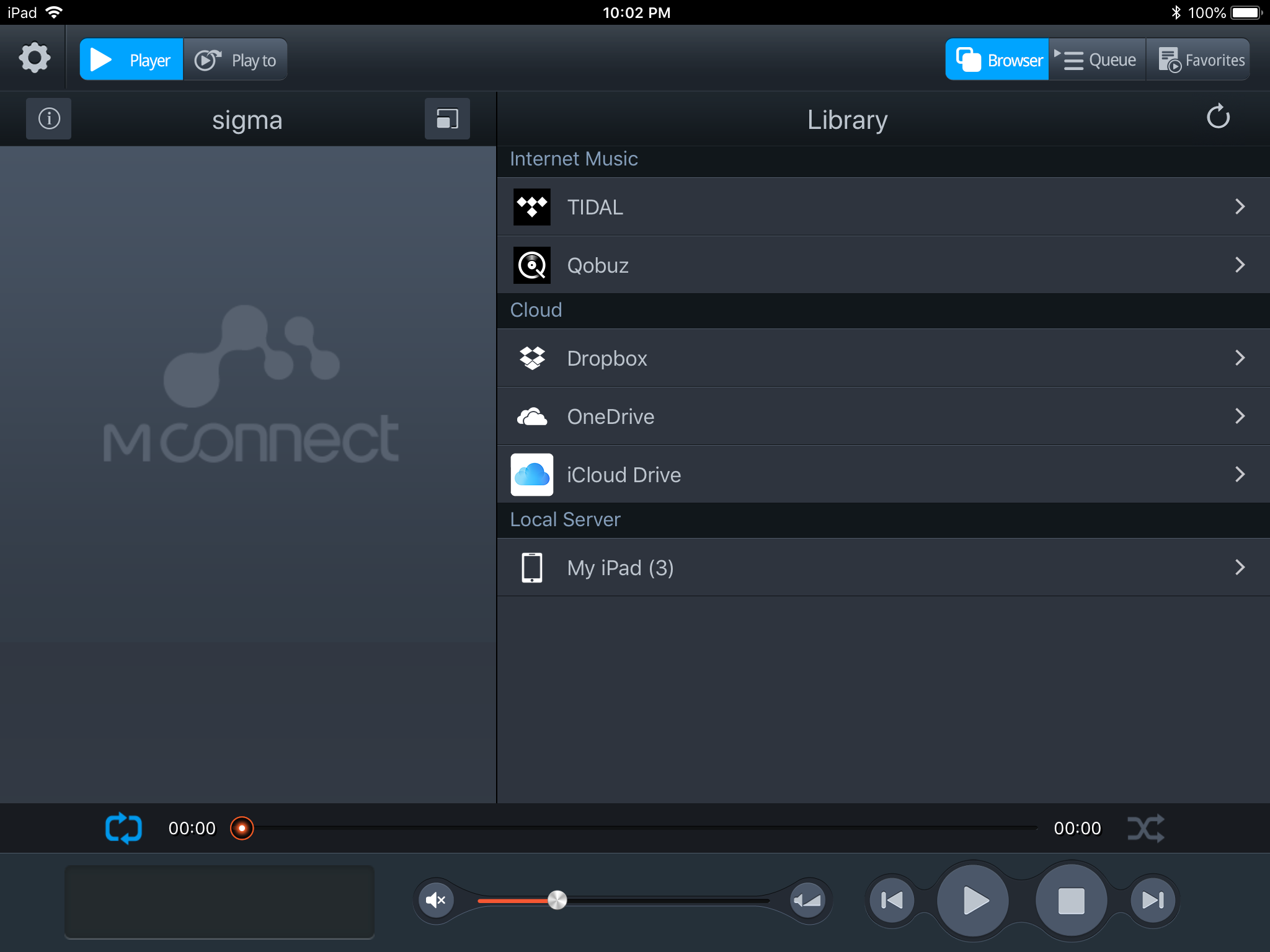
Playback tab. In the Library tab tap on
Tidal.
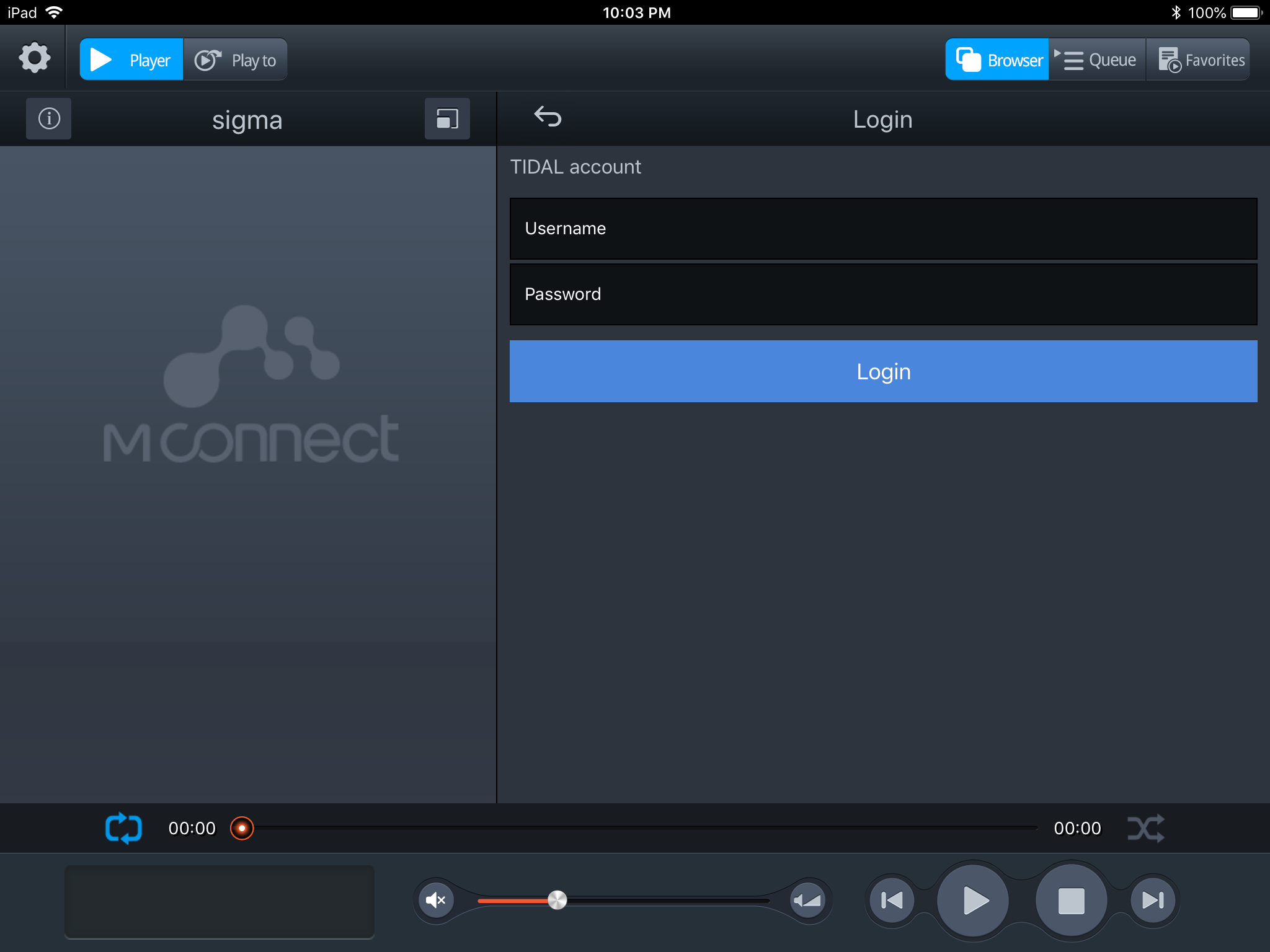
Enter the Username and Password for your Tidal account. Tap
Login.
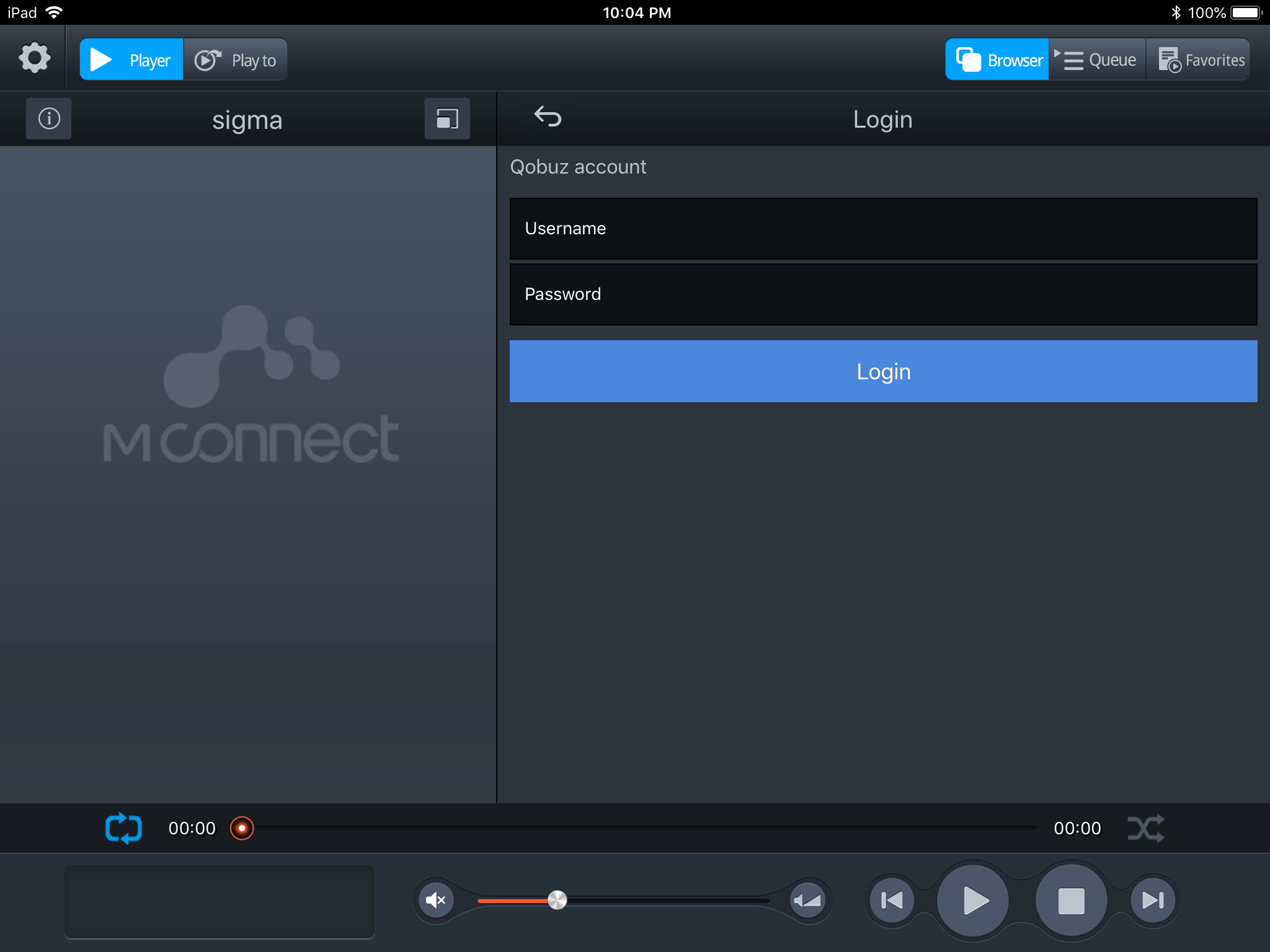
You can repeat the same steps to configure Qobuz for use with MconnectHD.
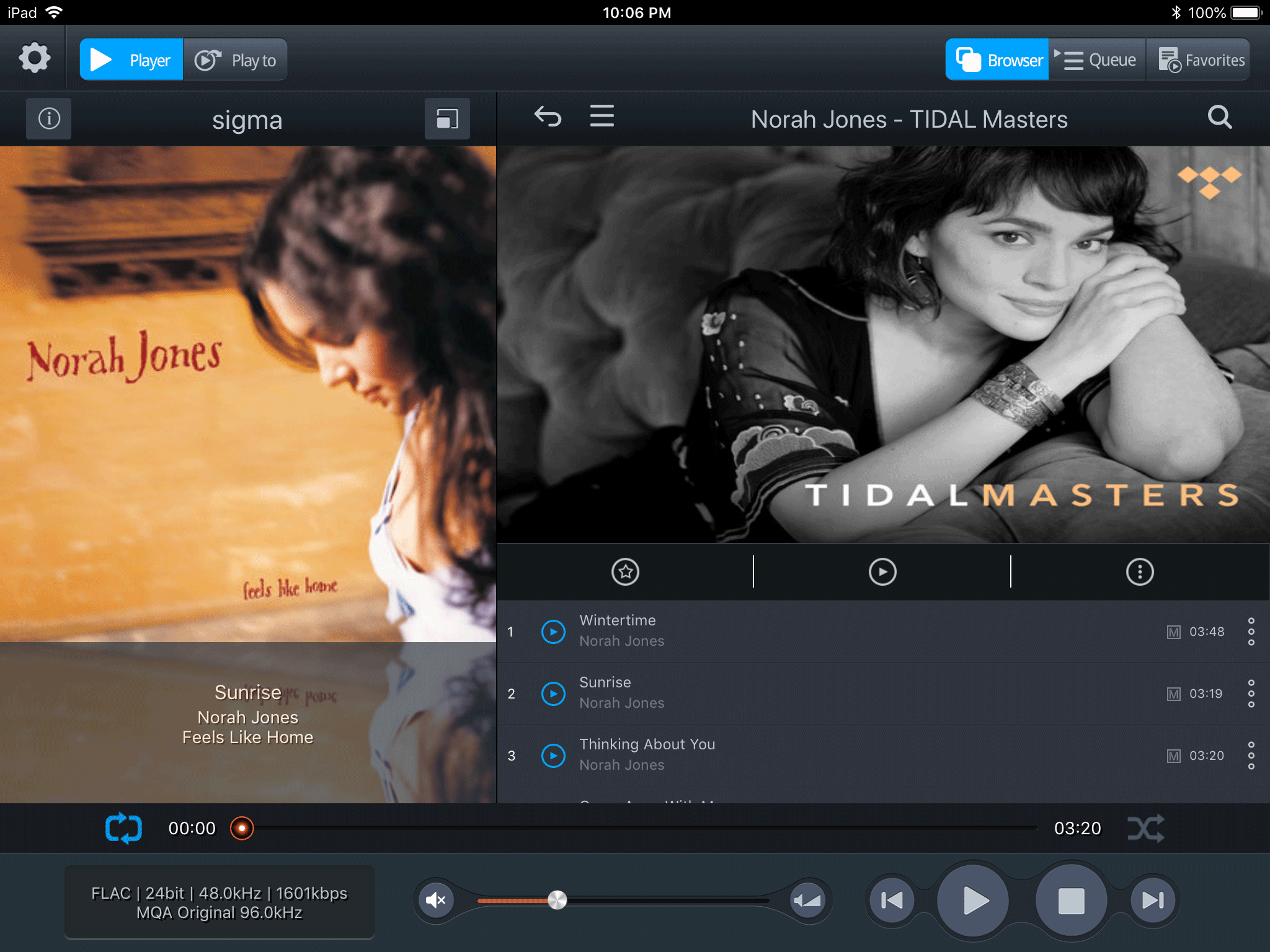
Let's assume you've logged in to Tidal. You will be presented with various selections of new and popular albums.
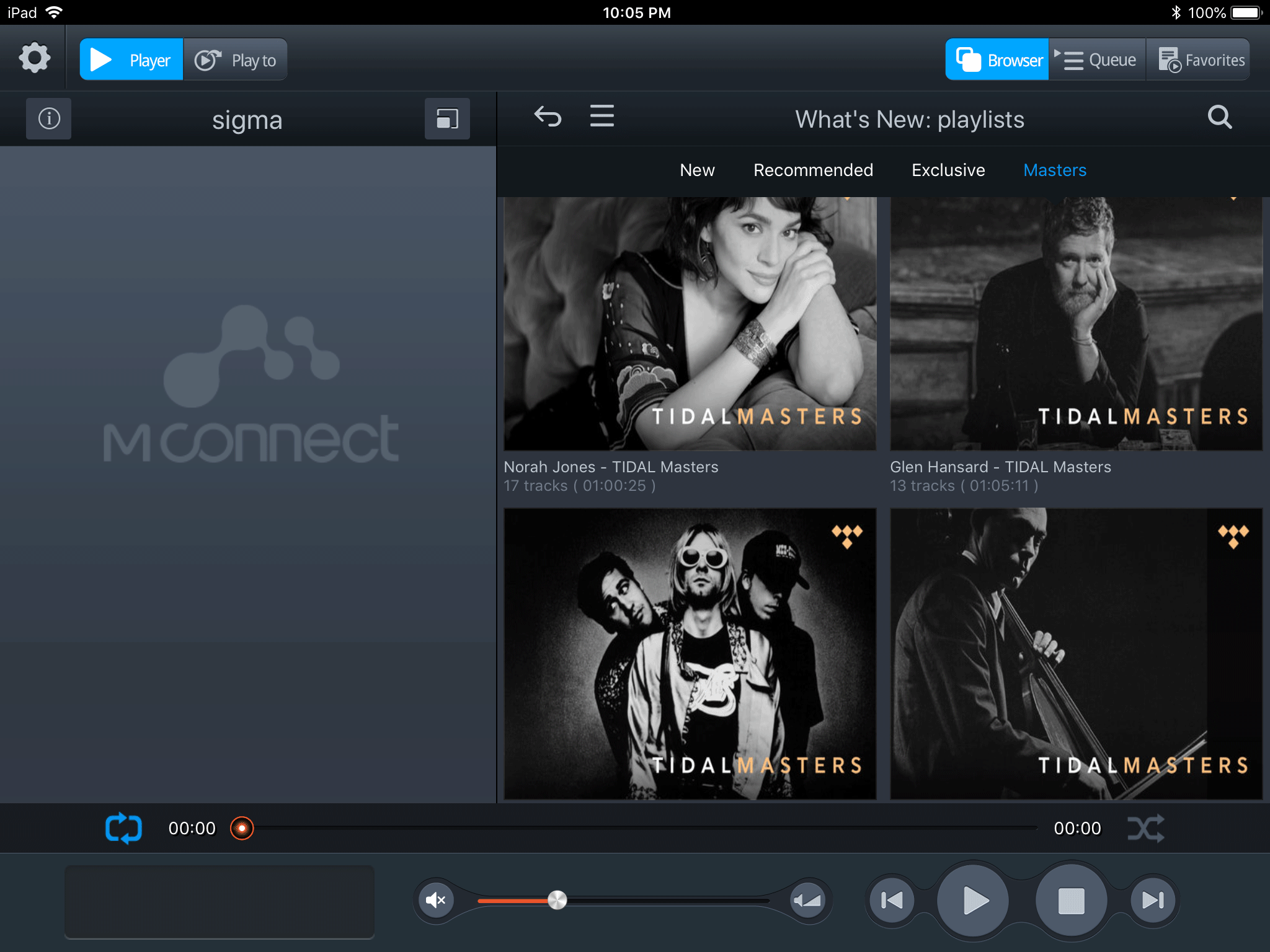
Select an album and play some music. If your exaSound DAC supports MQA, you will see the MQA logo when you play Tidal Masters.
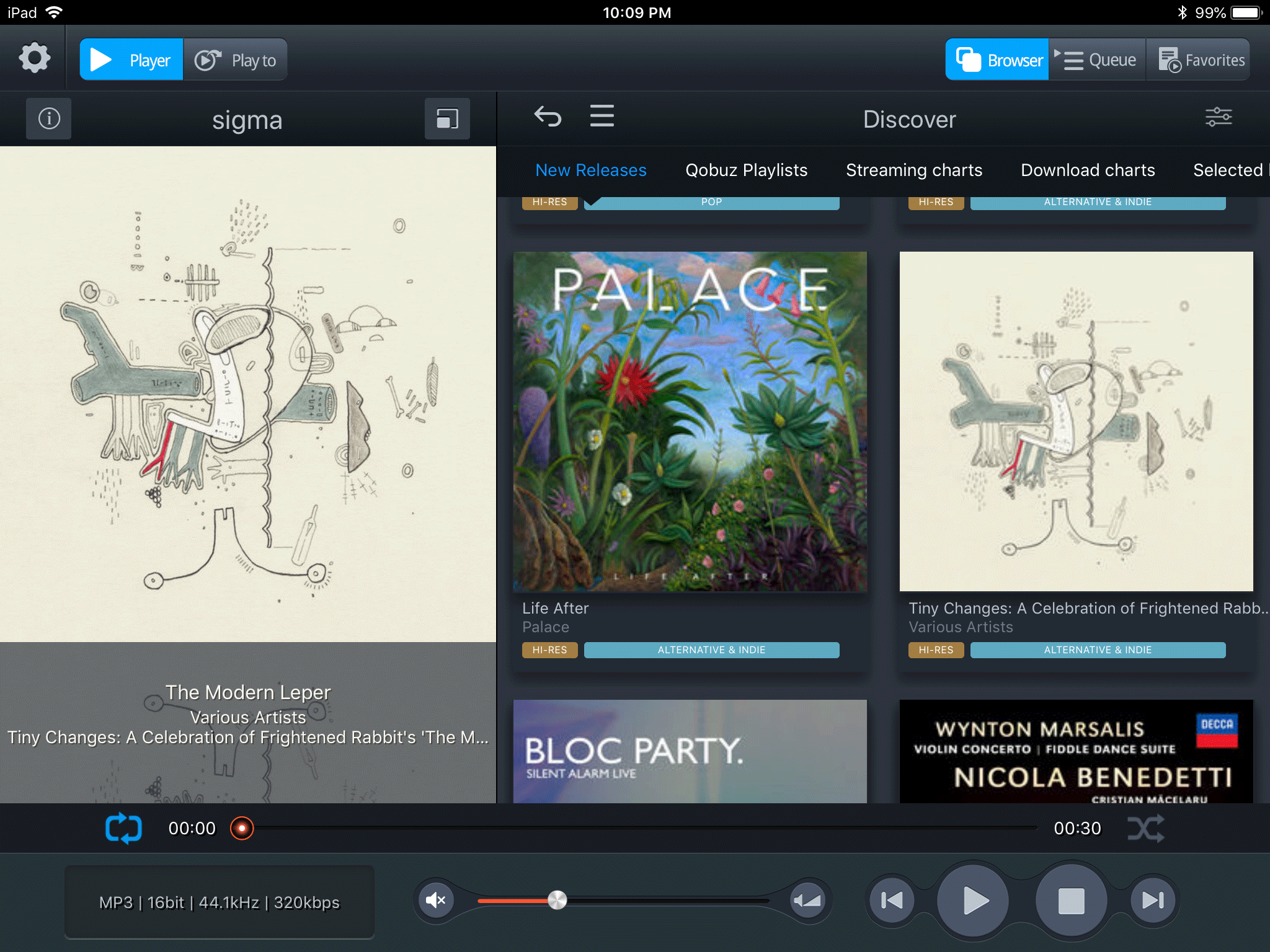
Qobuz offers a similar screen layout.
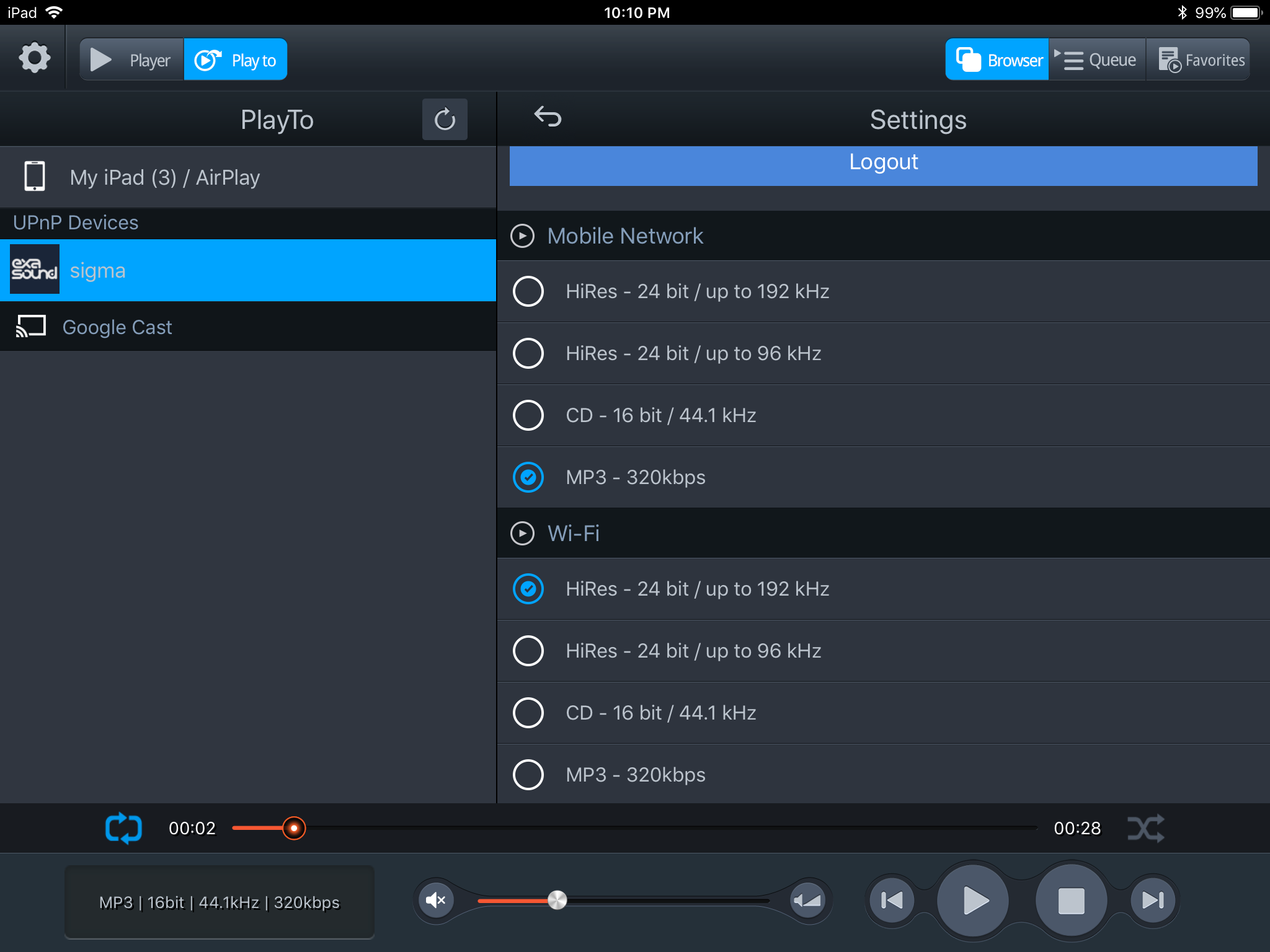
Use the
Settings icon in the upper left corner of the screen to enable High-Rez streaming. You need to have a premium account and Qobuz Hi-Rez must be available in your country.
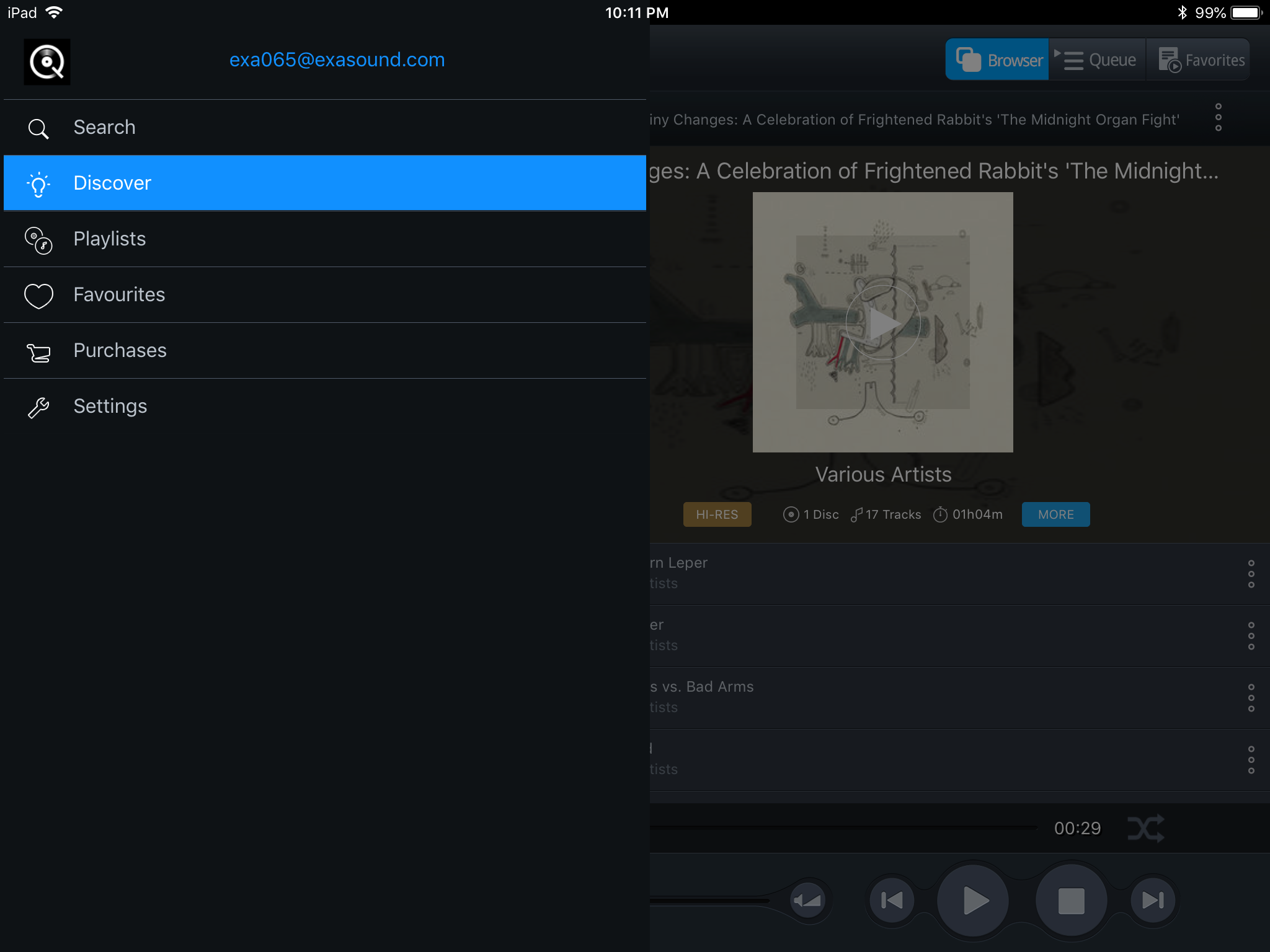
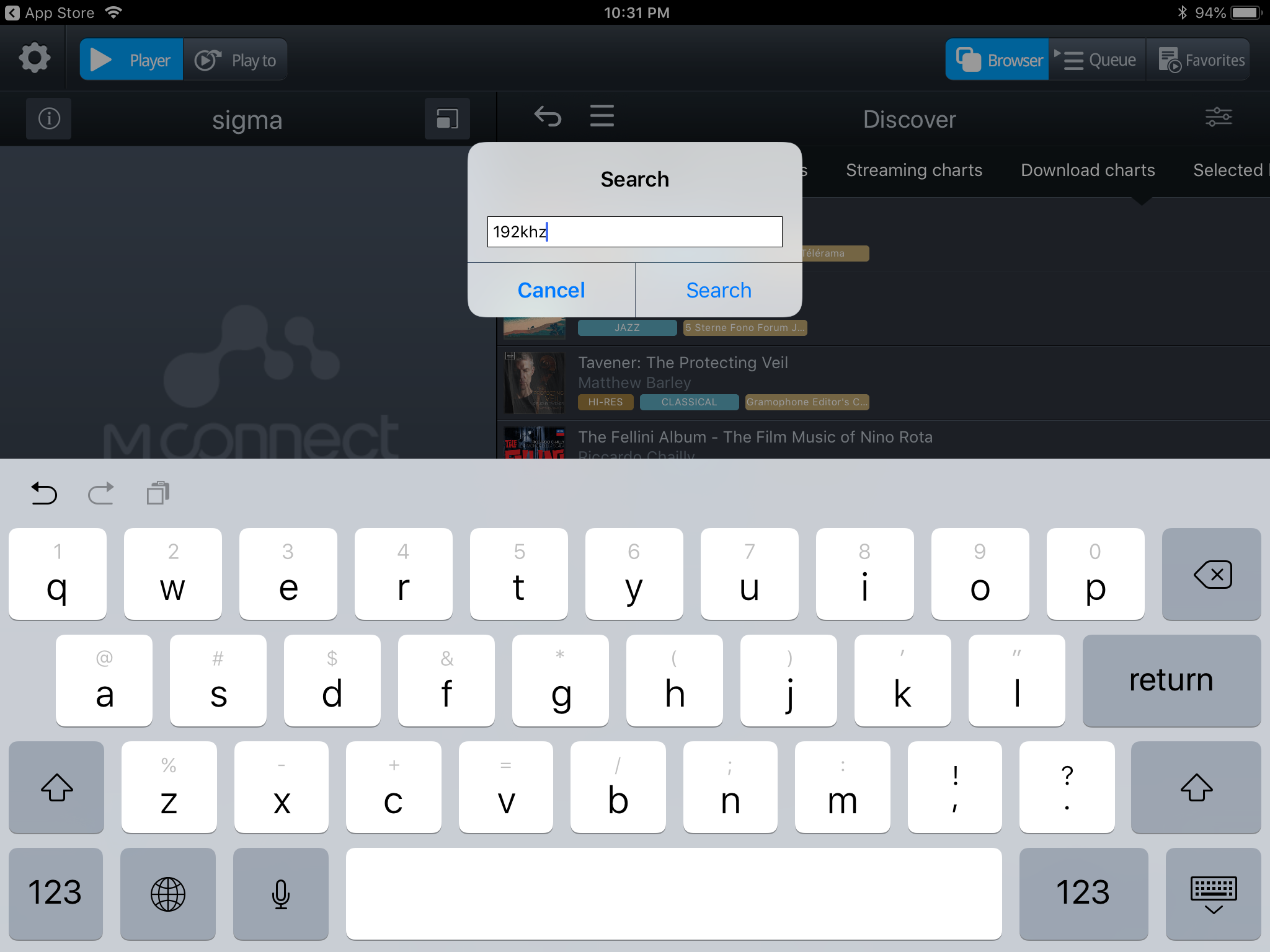
Tap on the icon with 3 horizontal lines to get to the personal options. Here you will find access to
Search,
Playlists and
Favorites.
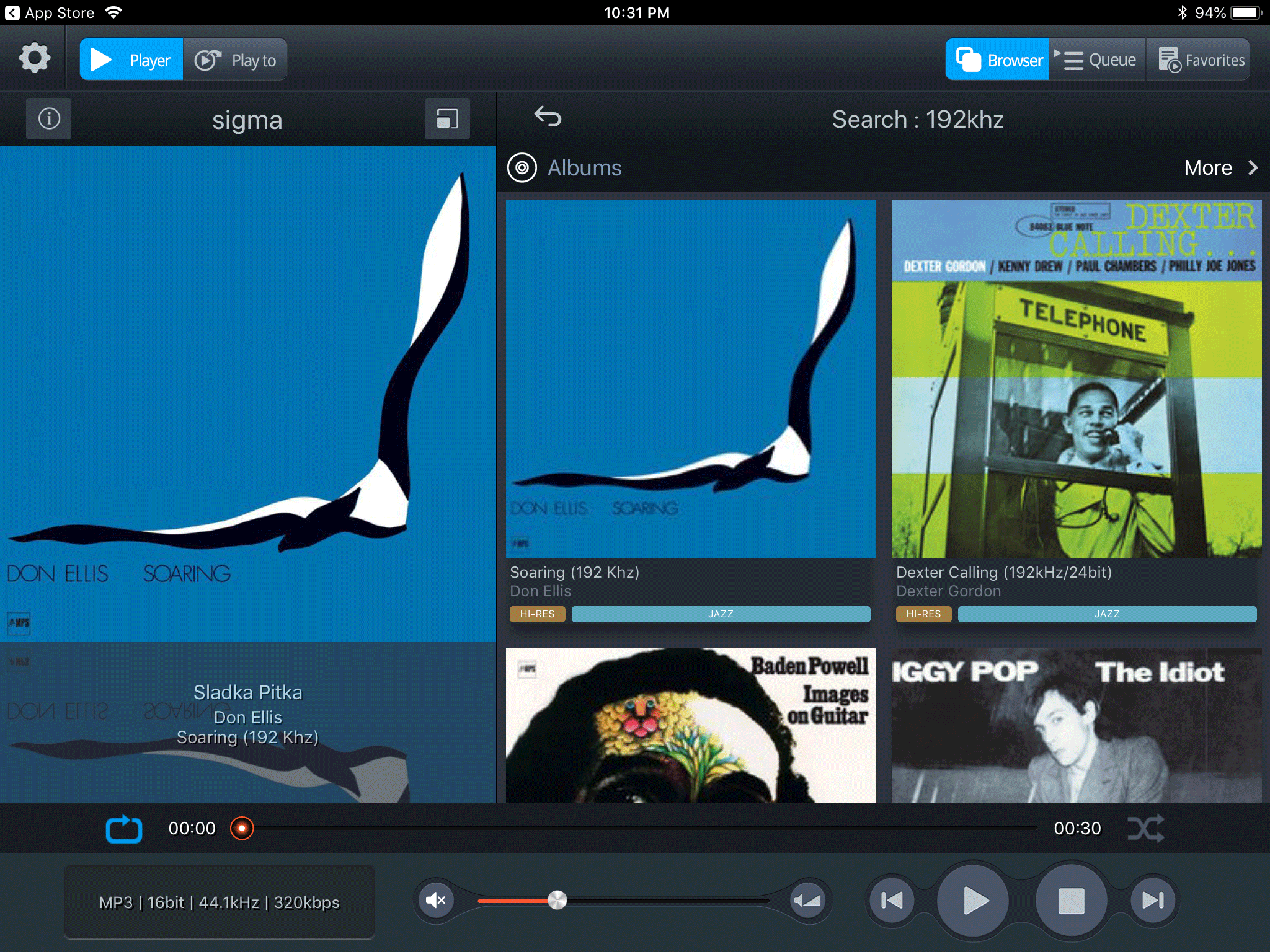
Here is a screenshot of the Qobuz
Search screen.
The volume control bar at the bottom of the screen offers two modes, fast and fine. Try it carefully and make sure the volume level is safe.
Detailed information about the Mconnect Player apps is available on the
Conversdigital website.